What an AI agent is
A chatbot answers. An agent acts. You give it a goal, not a question, and it works out the steps.
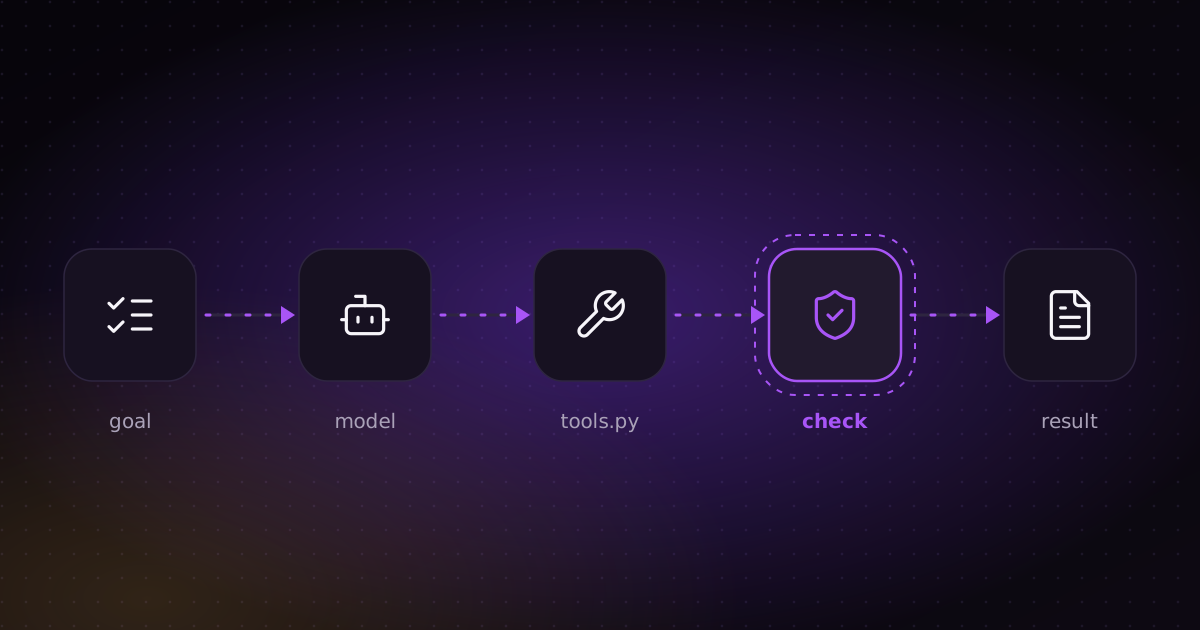
Every agent has the same four parts:
- A model that makes the decisions: Claude, GPT, Gemini or a local model.
- Tools it is allowed to use: search the web, read a file, query a database, send an email. Each tool is a normal function in your code.
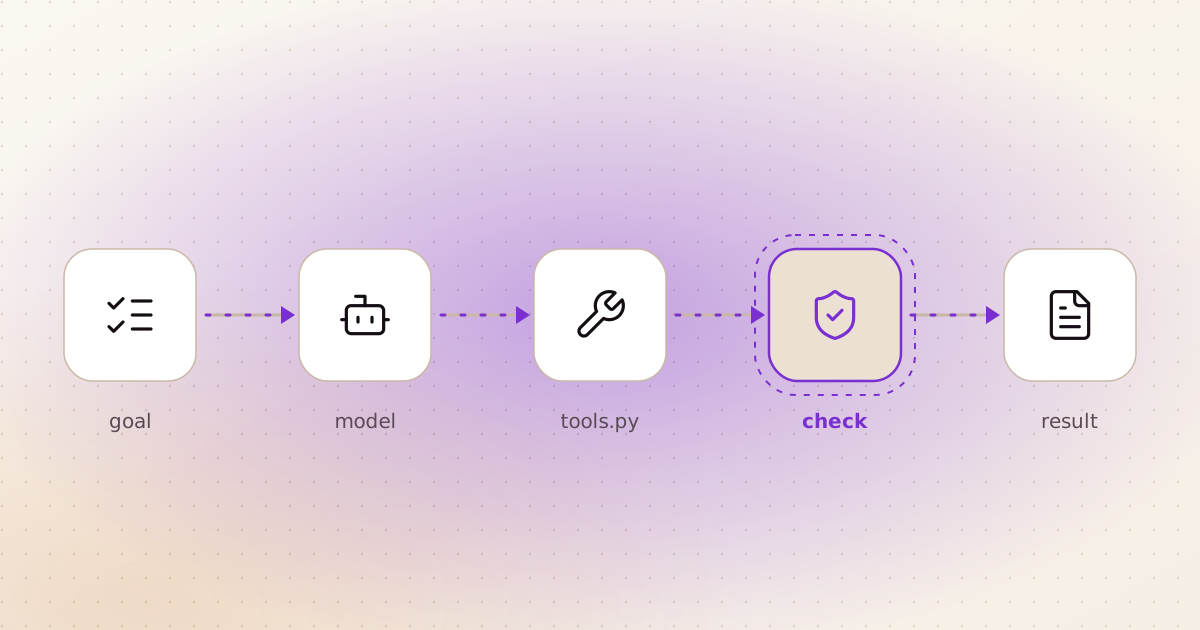
- A loop. The model asks for a tool, your code runs it, the result goes back to the model, and the model decides the next step.
- A stop condition. The job is done, a check fails, or the agent has used up its steps.
The model never runs anything itself. It only says "call this tool with these inputs". Your code decides whether to do it. That is the most important fact about agents, and it is what makes them safe to build.
Chatbot, workflow or agent?
Not every AI feature needs an agent. Pick the simplest one that does the job.
| Type | Who decides the steps | Use it when |
|---|---|---|
| Chatbot | Nobody: one question, one answer | Answering questions from your own content |
| Workflow | You, in code, in a fixed order | The steps are the same every time, like a weekly report |
| Agent | The model, one step at a time | The next step depends on what the last one found, like research |
Most of my projects mix the two. Code runs the fixed steps, and the agent only decides where judgement is needed. I wrote about that split in the WAT framework.
An agent in about 40 lines of Python
This agent gets a list of web addresses and reports which ones are broken. It has one tool, check_url, a plain Python function. The model decides which addresses to check and writes the summary.
import json
import urllib.request

import anthropic

client = anthropic.Anthropic()  # reads ANTHROPIC_API_KEY from the environment


def check_url(url: str) -> str:
    """The tool: a normal function. The model never runs it, we do."""
    if not url.startswith("https://"):
        return json.dumps({"url": url, "error": "only https addresses are allowed"})
    try:
        with urllib.request.urlopen(url, timeout=10) as r:
            return json.dumps({"url": url, "status": r.status})
    except Exception as e:
        return json.dumps({"url": url, "error": str(e)})


TOOLS = [{
    "name": "check_url",
    "description": "Fetch one https address and return its HTTP status, or the error.",
    "input_schema": {
        "type": "object",
        "properties": {"url": {"type": "string"}},
        "required": ["url"],
    },
}]

messages = [{"role": "user", "content":
             "Check these pages and tell me which are broken: "
             "https://example.com, https://example.com/missing-page"}]

for step in range(10):  # a hard cap: an agent that can loop forever will
    reply = client.messages.create(model="claude-sonnet-5-5", max_tokens=1024,
                                   tools=TOOLS, messages=messages)
    messages.append({"role": "assistant", "content": reply.content})
    if reply.stop_reason != "tool_use":
        print("".join(b.text for b in reply.content if b.type == "text"))
        break
    results = [{"type": "tool_result", "tool_use_id": b.id, "content": check_url(**b.input)}
               for b in reply.content if b.type == "tool_use"]
    messages.append({"role": "user", "content": results})
Install the library with pip install anthropic, set your API key, and run it. Three things in this code matter more than the model:
- The tool checks its own inputs. It refuses anything that is not
https. Never trust the model to stay inside the rules you wrote in the prompt. - The description is the documentation. The model reads it to decide when to use the tool. A vague description gives you a confused agent.
- The loop has a cap. Ten steps, then it stops, whatever happens.
That is the whole idea. Frameworks like LangGraph or CrewAI add memory, many agents and retries on top, but inside every one of them is this loop.
How to build one that works
The demo above works on the first try. A real agent has to work on the hundredth try too. These are the rules I follow:
- Start from the job, not the model. Write down the goal, the inputs and what "done" looks like before writing any code. If you can't, the agent can't guess it.
- Give it only the tools it needs. An allowlist of functions, not open shell access. My video generator's agent can run the project's own scripts, ffmpeg and a few read-only commands. Nothing else.
- Let code do what code does better. Fetching, counting, merging and rendering go in Python tools. The model decides; the tools execute.
- Check the output with a schema. Make the agent return JSON, and check it before anything slow or expensive runs. In my video generator, a storyboard that fails the JSON schema never reaches the renderer.
- Add a gate that can say no. In my research workflow, a validator blocks the report if any claim has no source or any link is dead. The agent is told the rules. The code enforces them.
- Stop for a person at fixed points. The same workflow pauses at four checkpoints, for example to approve the competitor list before nine research agents start.
- Cap the retries. A reviewer agent in the video generator returns SHIP or a fix list, and gets two rounds at most.
- Log every step. Save each tool call and result. When the agent gets something wrong, the log shows you which step, and that is where the fix goes.
Why Python
You can build an agent in any language. Python is where most of the work happens, for practical reasons:
- The AI libraries come to Python first. Anthropic and OpenAI both publish official Python libraries, and LangGraph, CrewAI, LlamaIndex and Pydantic AI all started as Python projects.
- A tool is just a function. As the example shows, any Python function can become a tool. Whatever Python can do, your agent can do.
- The libraries for the tools already exist. Playwright for browsers, pandas for data, requests for APIs, WeasyPrint for PDFs, Whisper for speech. Most tools you need are a few lines of glue.
- Checking output is easy. Pydantic and jsonschema turn "the model must return this shape" into one line of code that fails loudly.
- The same code becomes a product. FastAPI puts the agent behind a web API, and Docker ships it. No second language needed.
Here is what a schema check looks like with Pydantic. If the model leaves out the source, the run stops instead of shipping the claim:
from pydantic import BaseModel, HttpUrl


class Claim(BaseModel):
    text: str
    source_url: HttpUrl  # no source, no claim


claim = Claim.model_validate_json(model_output)  # raises an error if anything is missing
All three of my agent projects follow this pattern: Claude decides, Python does the work and checks it.
When you don't need an agent
If the steps are always the same, write a script. It is cheaper, faster and gives the same result every time. If you only need answers from your own content, a chatbot is enough. Use an agent when the next step really depends on what the last one found, and put checks around it so a wrong step gets caught.
See it in real projects
- AI video and image generator: strategist, scriptwriter and reviewer agents, Python tools, a schema check and a QA step.
- Research workflow with a validator: nine research agents in parallel, and a gate that blocks unsourced claims.
- Website audit for Google and AI search: a Python crawler and rule-based checks, with five Claude Code agents for the analysis.
- The WAT framework: how I split work between the agent and the tools.