Three ways to be found
The words sound alike, so here is the difference in one line each:
| Name | The question it answers | Where it shows |
|---|---|---|
| SEO | Can search engines find, read and rank my pages? | Google and Bing results |
| AEO | Can a search engine lift a direct answer from my page? | Answer boxes, "People also ask", voice assistants |
| GEO | Can AI tools reach my site, understand who I am, and cite me? | ChatGPT, Perplexity, Claude, Gemini, Google's AI answers |
Most audit tools still check only the first one, and the good ones are paid. A site can rank well on Google and still be invisible when a buyer asks ChatGPT "which company should I use for this?". That is the gap I built the tool for.
What the audit gives a business
You paste a web address. The tool reads the homepage, robots.txt, the sitemap and up to 25 pages, and returns:
- Three scores, SEO, AEO and GEO, plus an overall score. On a real run it checked 25 pages of djangoproject.com in 57 seconds and scored it 76 out of 100.
- A to-do list ranked by impact. Week 1 quick wins, then 30 days, then 90 days. The biggest, cheapest fixes come first, so a small team knows where to start.
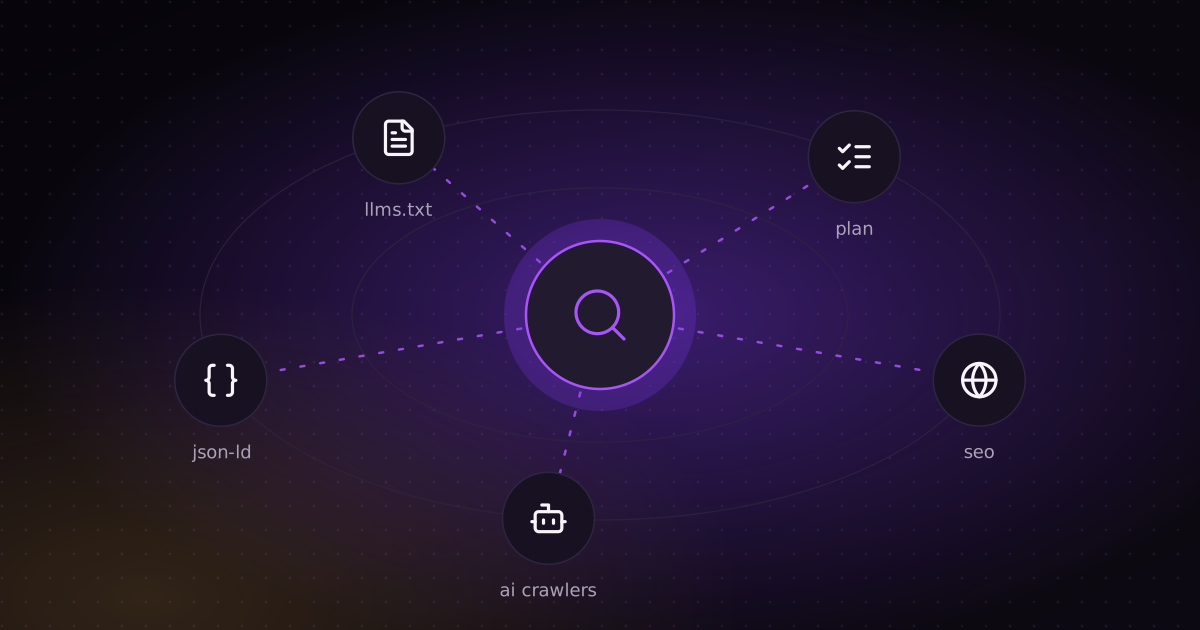
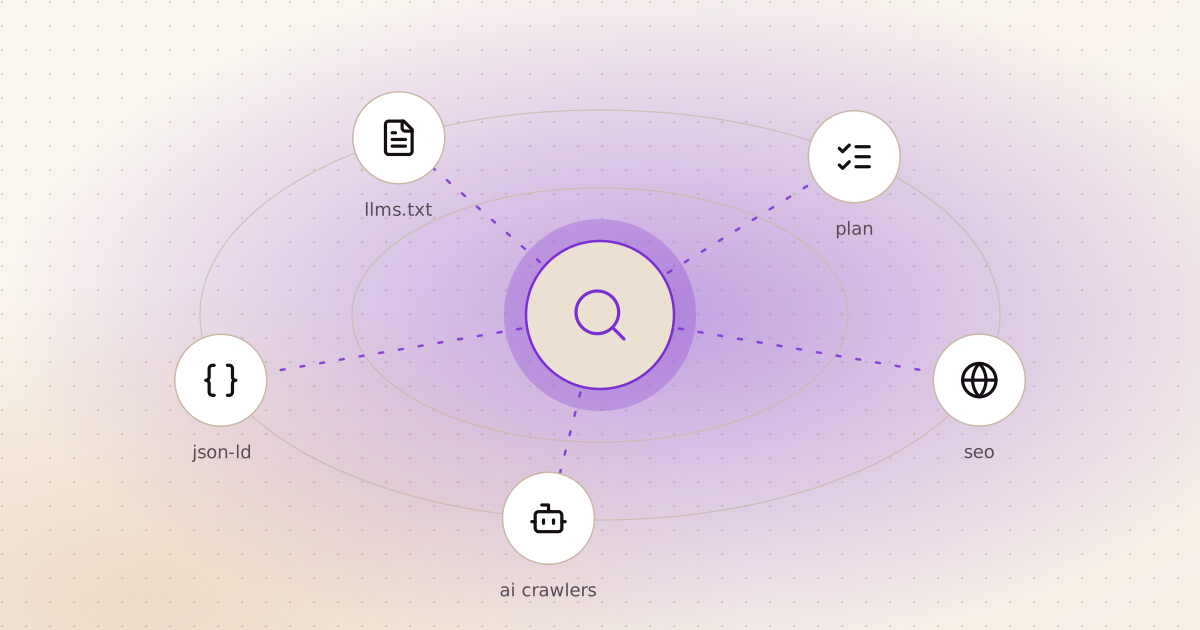
- Code you can paste in for each fix: structured data (JSON-LD), robots.txt rules and an llms.txt draft. Your developer does not have to research the fix, only apply it.
- A live check of 14 AI crawlers, including the ones behind ChatGPT, Claude, Perplexity and Gemini. More on why this one matters below.
- The report as a web page, a PDF and a Markdown checklist, so it can go to a manager, an agency or a developer as it is.
The checks are plain rules written in Python, so the same site gets the same score every time. AI is used only where judgement helps: an optional test that asks a language model the questions a buyer would ask and looks for your name in the answer, and optional Claude Code agents for a deeper review.
Who it is for: a business owner who wonders why a competitor shows up in AI answers and they don't, a marketing team before a redesign, or an agency that wants a fast first look at a new client's site.
The problem most sites don't know they have
A site can allow AI bots in robots.txt and still block them at the firewall or CDN. The owner reads robots.txt, sees "allowed", and moves on. Meanwhile every request from an AI search bot gets a 403, so the AI tools cannot read a single page.
That is why the tool does not stop at robots.txt. It requests the homepage as each AI crawler and records what the server actually answers. You can do the same check by hand in ten seconds:
# what does your server answer to ChatGPT's search bot?
curl -sI -A "OAI-SearchBot/1.0; +https://openai.com/searchbot" https://your-site.com | head -1

# HTTP/2 200  -> it can read your page
# HTTP/2 403  -> it is blocked, whatever robots.txt says
Tips: technical SEO
Each tip below is a check the tool runs. They are the issues I see most often, roughly in order of how much they cost you.
- Check you are not hiding the site by accident. A
noindextag left over from the test version, orDisallow: /in robots.txt, removes you from Google completely. It happens after launches more often than you would think. - Serve everything over HTTPS, with no images or scripts still loading over
http://. - Give every page its own title, under about 60 characters, and its own meta description, between 70 and 160. Duplicate titles make pages compete with each other.
- One H1 per page that says what the page is about.
- Publish an XML sitemap and name it in robots.txt with a
Sitemap:line. - Add a canonical tag to every page, pointing to your own domain. A canonical that points to another domain tells Google the other site is the original.
- Fix broken links and redirect chains. Every extra hop wastes crawl time and loses some of the link's value.
- Make it fast and mobile-friendly. A viewport meta tag, image sizes set, and a server that answers in under two seconds. Google ranks the mobile version of your site.
- If you have language versions, add hreflang, so Google shows the Arabic page in Dubai and the English page in London.
Tips: AEO, answers search engines can lift
- Write headings as the questions your customers ask. "How long does delivery take?" works better than "Delivery".
- Answer in the first sentence or two under the heading. Then add the detail. A search engine lifts the short answer; a reader stays for the rest.
- Use lists for steps and tables for comparisons. They are the easiest formats for machines to quote.
- Add structured data. At minimum:
Organizationon the homepage,WebSite,BreadcrumbListon inner pages,Articlewith dates on blog posts,Producton product pages, andFAQPagewhere you answer questions. - Validate it. JSON-LD with one missing comma is ignored completely. Test every page type with Google's Rich Results Test before you ship.
This is the kind of fix the tool hands you ready-made. A minimal Organization block looks like this:
<script type="application/ld+json">
{
  "@context": "https://schema.org",
  "@type": "Organization",
  "name": "Your Company",
  "url": "https://your-site.com",
  "logo": "https://your-site.com/logo.png",
  "sameAs": [
    "https://www.linkedin.com/company/your-company",
    "https://x.com/yourcompany"
  ]
}
</script>
Tips: GEO, getting cited by AI
- Let AI search bots in. There are two kinds of AI bot. Search bots fetch your page to answer a question and can cite you:
OAI-SearchBot,Claude-SearchBot,PerplexityBot. Training bots collect text to train models:GPTBot,ClaudeBot,Google-Extended,CCBot. Blocking training bots is a fair business decision. Blocking search bots means you cannot be cited. - Then check the firewall, as shown above. Some CDN and firewall settings block AI bots by default.
- Don't build pages that only exist in JavaScript. Many crawlers read the raw HTML and do not run scripts. If your text appears only after JavaScript runs, an AI bot sees an almost empty page. Open "View source" in your browser: if your main text is not there, that is what the bots see.
- Make it obvious who you are. An About page, the Organization markup above with
sameAslinks to your real profiles, and the same company name everywhere. AI tools cite sources they can identify. - Show who wrote it and when. A visible author and a published or updated date on every article. Content that has not been touched in six months looks stale to people and machines.
- Give AI something to quote. Concrete numbers, clear definitions, and links to your sources. "Delivery takes 2 to 4 working days within the UAE" gets quoted. "We deliver fast" does not.
- Register with Bing Webmaster Tools. Bing powers Copilot, and ChatGPT's search also draws on it. Most businesses only ever set up Google.
- Add an llms.txt if you like, but don't count on it. It is a short Markdown file that summarises your site for AI tools. It is cheap to add, and the tool drafts one for you. No major AI search engine has confirmed it reads the file, so it is the last item on this list, not the first.
A 10-minute check you can do today
No tools needed:
- Open
your-site.com/robots.txt. Look forDisallow: /and for the AI bots named above. - Open
your-site.com/sitemap.xml. It should load and list your pages. - Search Google for
site:your-site.com. Are all your important pages there? - Open "View source" on your homepage. Is your main text in the HTML?
- Run the
curlline above with an AI bot's name. - Ask ChatGPT and Perplexity the question your customers ask, for example "best accounting firm for small businesses in Dubai". Who gets named? Who gets a link?
If step 6 names your competitors and not you, the other five steps usually show why.
What the tool can't tell you
Honest limits, because they matter when you decide what to do next:
- No tool can promise a ranking. The scores show what is broken or missing, not where you will land.
- The crawler reads raw HTML, like many bots do. It does not run JavaScript, so a single-page app looks almost empty to it. That is a finding in itself.
- The AI visibility test asks one model, plus DuckDuckGo results. It does not show what ChatGPT or Perplexity answer today. For that, ask them, as in step 6.
- It checks up to 25 pages. That is enough to find the patterns on most business sites, not to audit every page of a large shop.
See it in real projects
- The case study: screenshots from a real run, how it works, and the guard rails for a public tool.
- ritorica.com: a site I built, and the SEO and GEO plan I wrote to get it found in AI search.
- The code: github.com/elkushi/elkoushy_seo_geo_aeo