What happened in October
1. A bug in PHP itself: "php2shell"
On 21 October the PHP project released emergency updates for two flaws in PHP itself, CVE-2026-109618 and CVE-2026-109619. Both are rated 9.2 out of 10. Together they let an attacker run code on the server without logging in.
- Who is affected: every PHP installation that serves web pages. That includes Apache with mod_php, PHP-FPM, php-cgi, FrankenPHP and LiteSpeed. On mod_php the attack can work before any of your own code runs, so a well-written site is not protected.
- The fix: PHP 8.5.12, 8.4.27, 8.3.36 or 8.2.35.
- How many sites: Palo Alto Networks counted over 22.6 million exposed PHP instances that were potentially vulnerable.
- Is it being used: yes. On 26 October the US cybersecurity agency CISA added both flaws to its list of vulnerabilities known to be exploited, and gave US federal agencies three days to fix them.
- Old PHP: CISA's advice for PHP 8.1 and older is blunt: take the system offline until it can be updated.
On 23 October a third flaw, CVE-2026-115560, was published. It only works on unusual server setups, and it has a configuration workaround rather than a patch.
2. A plugin that let anyone upload PHP
Bricksforge, an add-on for the Bricks site builder on WordPress, had a flaw (CVE-2026-85097, rated 9.8) that let anyone upload a file and run it as code. No login needed. Patchstack saw attacks from 7 October. It is fixed in version 3.1.8.10. About 6,000 sites use the plugin.
3. A backdoor that rebuilds itself
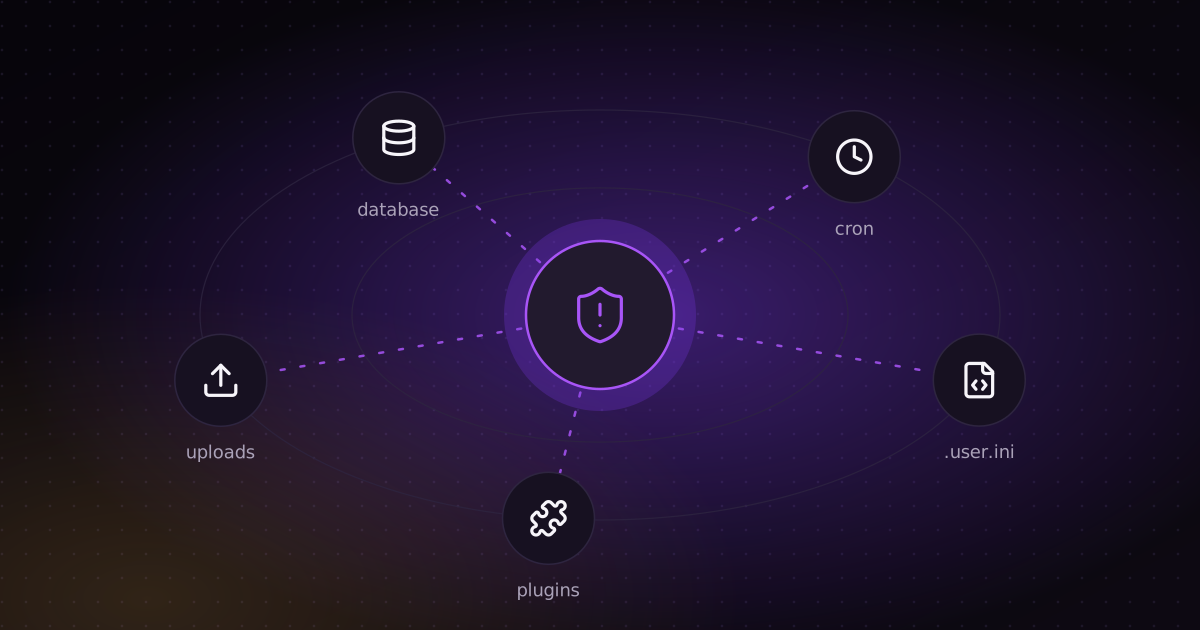
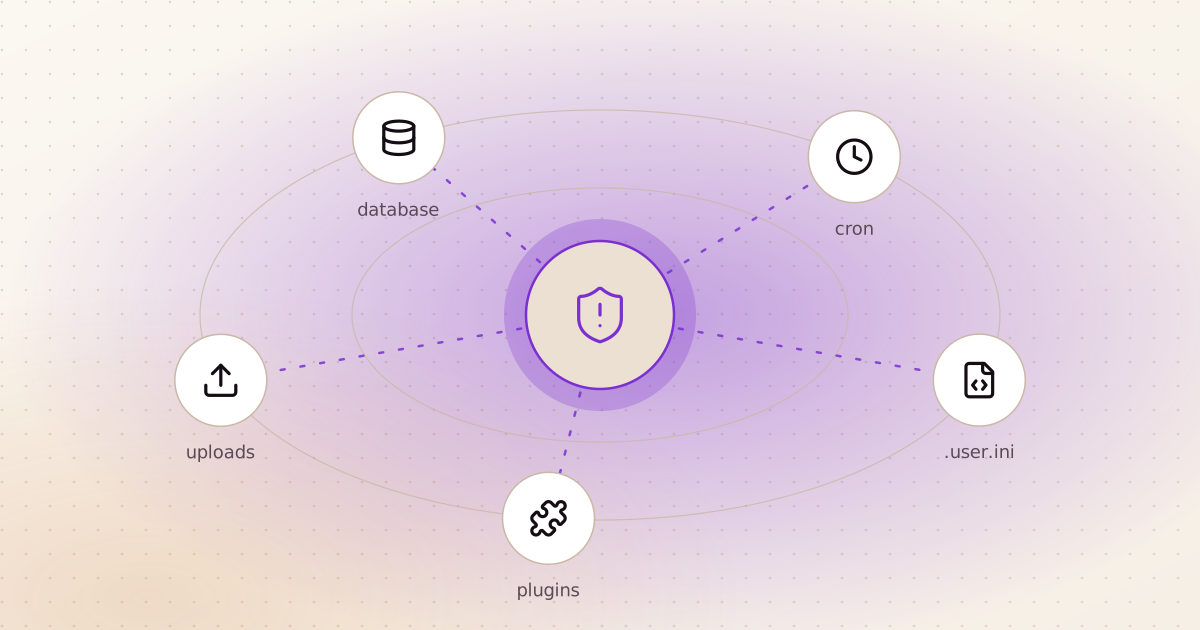
Researchers at Sucuri described WordPress malware that hides in at least eight places at once: a .user.ini file that loads it before every PHP request, mu-plugins, the theme's functions.php, a copy in the database, scheduled tasks, and on some servers even shared memory. Delete one copy and the others put it back. How it first gets in is not known; the usual ways are old plugins, weak passwords and upload bugs.
Is PHP the problem?
Not by itself. Every language has had serious bugs, and the PHP team shipped fixes fast. Django had a security release this month too: on 6 October it fixed four issues, rated low or moderate. Two could slow a server down, one could make it send unwanted network requests through a mapping library, and one let forged form data edit records it shouldn't. None let a stranger run code.
The bigger difference is not the language. It is how a typical PHP site is built, and it shows in all three stories above.
| What decides your risk | Typical PHP site (WordPress) | Django CMS site |
|---|---|---|
| A file lands in a public folder | If it ends in .php, the server can run it. An upload bug becomes full control of the site. | Uploads are served as plain files. Dropping a file on the server does not make it code. |
| Where code can hide | Any PHP file, .user.ini, mu-plugins, the theme, the database | The app's code loads from the project when it starts. A stray file in the uploads folder does nothing. |
| Third-party code | Often many plugins from many authors, each with its own security record | Fewer packages, pinned to exact versions, and easy to check automatically for known flaws |
| Protection you get by default | Depends on the theme and each plugin | Built into Django: protection against forged forms, safe database queries, HTML escaping, and a check --deploy command that flags unsafe settings |
| Updates | Core, theme and every plugin, each on its own schedule | Django and django CMS publish security releases with a severity rating, and both have long-term support versions |
None of this makes a Django site safe automatically. A badly configured Django server can still be broken into. But a whole class of attack from this month, "upload a file, then run it", does not work against it.
If your site runs on PHP: do this week
- Check your PHP version. Ask your host, or look in the hosting panel. You need 8.5.12, 8.4.27, 8.3.36 or 8.2.35 or newer. Some managed hosts patched within hours; ask yours to confirm.
- If you are on PHP 8.1 or older, treat it as an emergency. That is CISA's advice, not mine.
- Update every plugin and theme, and delete the ones you don't use. An inactive plugin can still be attacked.
- Look for PHP files where there should be none. On WordPress, the uploads folder should hold images and documents only:
Anything this finds needs a closer look.find wp-content/uploads -name "*.php" - Check for
.user.inifiles you didn't create, and for unknown files inmu-plugins. - Watch for PHP starting other programs. CISA's advice is to look for PHP processes launching shells or downloading tools. That is not normal behaviour for a website.
When moving to a Django CMS is worth it
Moving a site costs time and money. It is worth it when the site is more than a brochure:
- It takes uploads, forms or orders, or has user accounts.
- It holds personal data you would have to report if it leaked.
- It depends on many plugins to do its job, and nobody owns updating them.
- You need custom features, an API, or AI tools built into the site.
- You were going to redesign or rebuild it anyway.
When to stay: a small company site with a handful of well-known plugins, on a managed host that updates PHP for you. For that site, the steps above are enough. Moving it would cost more than it saves.
django CMS or Wagtail?
Both are content management systems built on Django, so both get the protections above.
- django CMS: the team edits pages directly in the browser and drags in blocks. Good for marketing sites that change often. The current long-term support version is 5.0.
- Wagtail: content is entered into structured fields and then laid out by templates. Good when the same content is reused in many places.
I built ritorica.com on django CMS: designed in Figma, edited in the browser by the team, running in three languages including Arabic, with PostgreSQL, a server that only accepts SSH keys, and deploys through GitHub Actions.
What a move looks like
- Inventory: list every page, form, plugin and integration the current site uses.
- Map: turn each page type into a template, and decide what replaces each plugin. Often it is a few lines of Python, not another package.
- Move the content with a script, not by hand.
- Keep your URLs. Redirect every old address to its new one, so Google and your customers' bookmarks still work.
- Run both until the new site is checked, then switch over.
Sources
- CISA: Critical vulnerabilities in PHP require immediate patching
- Rapid7: CVE-2026-109618 and CVE-2026-109619
- Palo Alto Networks Unit 42: threat brief
- SecurityWeek: Bricksforge plugin flaw exploited
- The Hacker News: WordPress backdoor rebuilds itself
- Django: security releases 6.1.2, 6.0.9 and 5.2.18
- django CMS: 5.0.11 and 5.1.2 released